Background
ENSURE YOUR RESPONSE PAD HAS a 9-WAY D marked "8x TTL Out" and is a voice key model. It should have "Part No: URPVKv2" listed on the base label BEFORE USING THIS UTILITY.*NB: For details on how to update follow the documentation included in each download file.

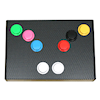
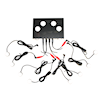
Technical support for the BBTK 1-8 button USB response pad with voice key & 8x TTL v2 (mid 2025 onward)
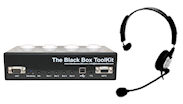 This utility allows you to easily change the keystrokes which are sent to your computer when a button is pressed.
Note this utility ONLY applies to the newer v2 voice key USB response pad shipped mid 2025 onward.

1-8 button USB response pad with voice key & 8x TTL keystroke configuration utility (Windows only)
This configuration utility only works on Microsoft Windows platforms. Once keystrokes are configured the USB response pad will use those keystrokes on any platform, e.g. Windows, Mac and Linux.
Download configuration utility (released 20250702):
- Enables you to reset USB response pad to default configuration and update firmware
- Enables you to configure the keystroke sent by buttons 1-8
- Enables you to configure the keystroke sent by the voice key
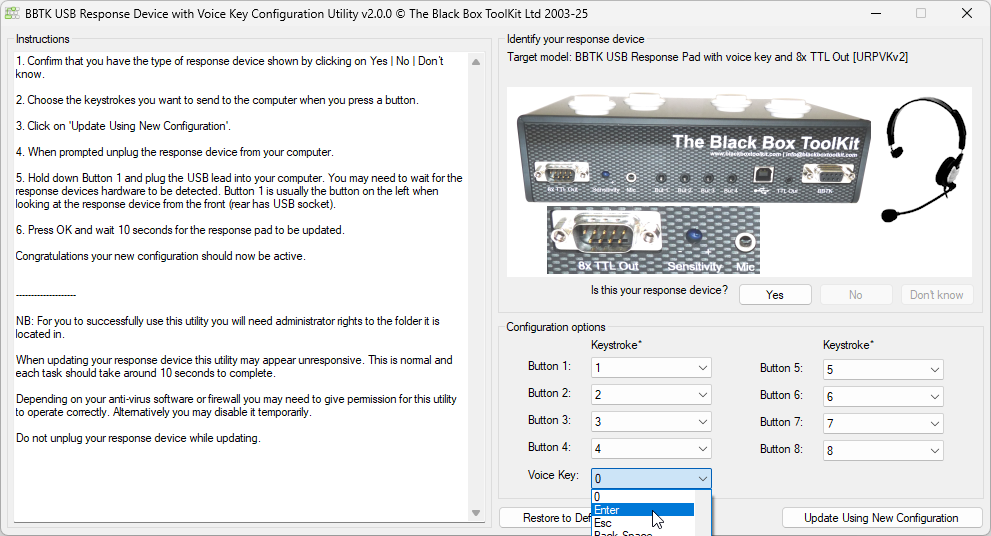
It is recommended that you download the utility to a temporary folder you create, e.g. C:\Temp.
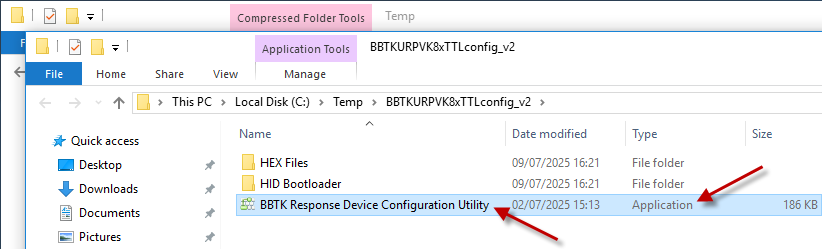
To use the utility you need to extract it from the compressed zip download as shown in the generic example below. Do this by right clicking on the download and then Extract All...
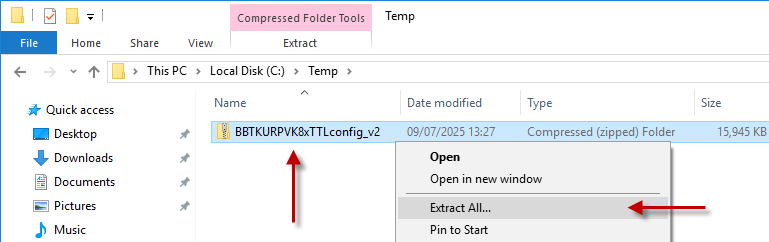
Once all files and folders have been extracted double click on the Application to run it.
Note you will need to be logged into your local PC with Administrator rights to run the utility correctly.
Full step-by-step instructions are provided within the configuration utility or included with the download. Depending on your antivirus package you may need to disable it while configuring your response device.